JP EN
SonaSplit
Offline Piano Transcription

Get
Perfect Pitch

Just record with your mic. SonaSplit listens to your performance and draws it onto a piano roll. Everything runs on your device.

App Store — Coming soon Google Play — Coming soon
How It Works — 01
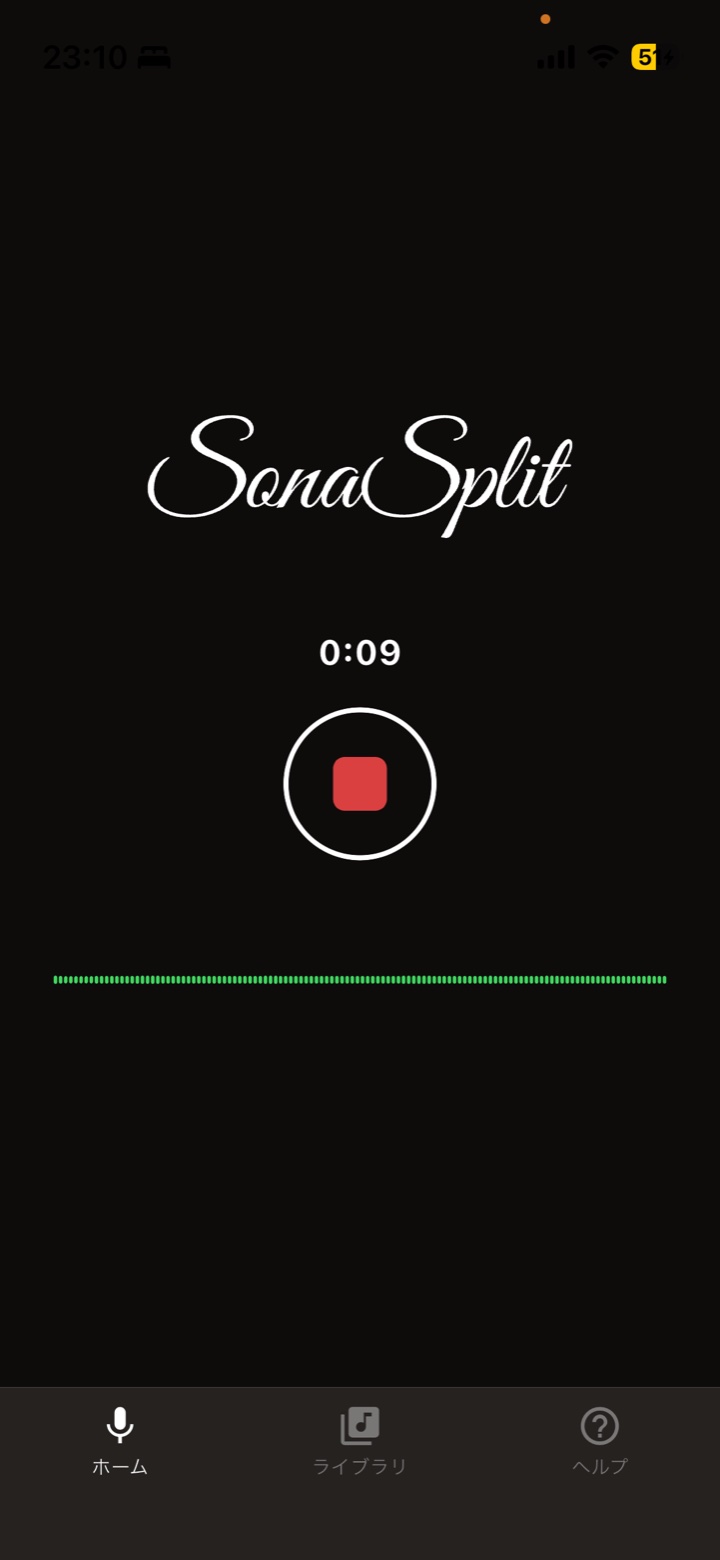
Record

Point your device at the piano and tap record. That's the whole setup. Then just play, the way you always do.

SonaSplit recording screen
How It Works — 02

Transcribe

Stop the recording, and the analysis engine — running on your device — detects the pitch and timing of every sound and turns it into notes.

How It Works — 03
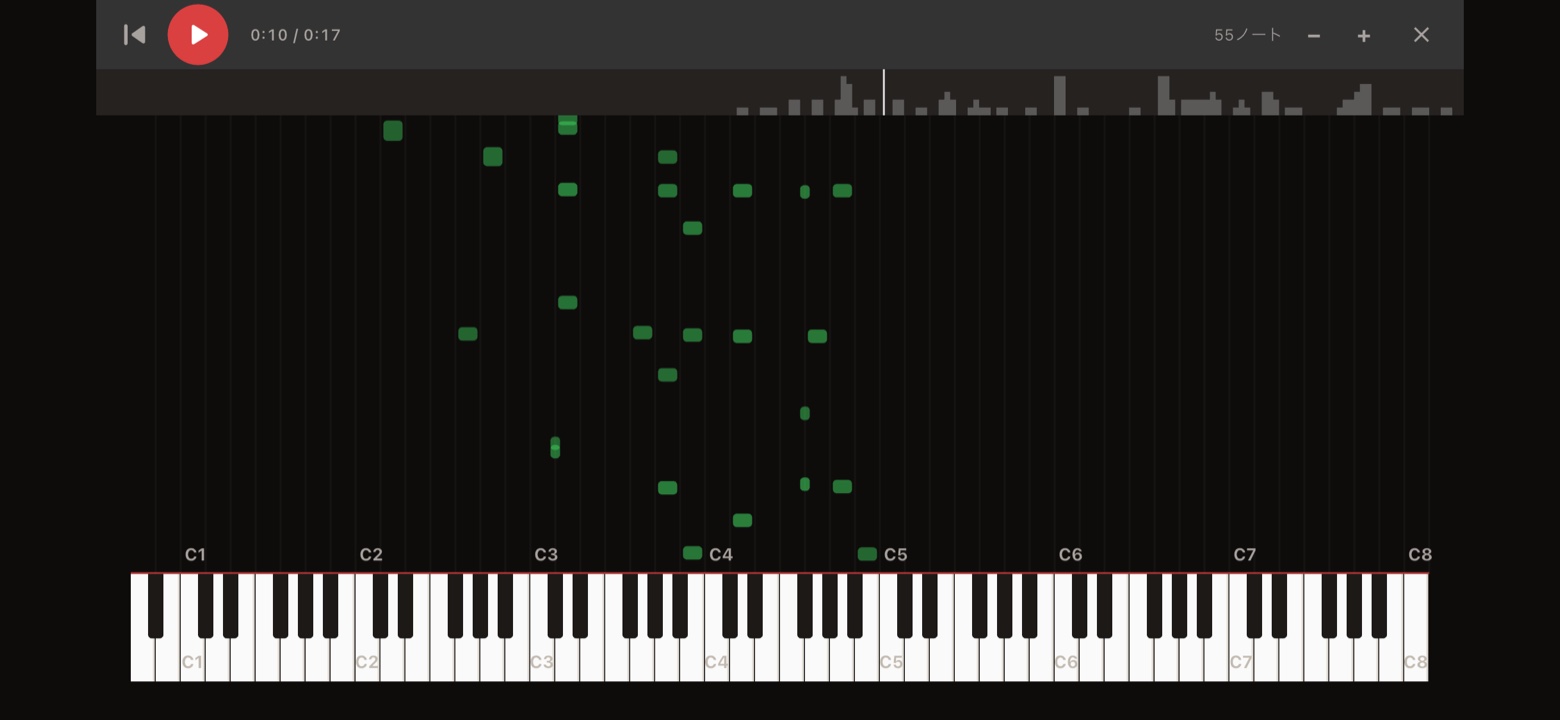
Play back

Play it back on the landscape piano roll to check. Tap any note to edit it. Your notes stay in the library.

SonaSplit piano roll screen
SCROLL
Features

From recording to notes, in one app.

An app that automatically turns whatever your mic records into piano notes. Play it, sing it, or sound it out — the transcription engine analyzes it and lays it out on a piano roll.

Record and transcribe

Just press record. Pitch and timing are detected automatically, across the full 88-key range (A0–C8).

Check on the piano roll

Play back and review the detected notes in a waterfall view. Tap to edit notes or add new ones.

Saved to your library

Transcriptions are saved on your device with a title. The audio itself is never stored — only the notes remain.

Fully Offline

Transcription, fully offline.

Every transcription happens entirely on your device. No internet connection is required — your recordings are never sent anywhere, and once transcription is done they're deleted from the device too. All that remains are the notes and a title. There's no usage tracking and no advertising of any kind.

How to use